Video running analysis

Understand your stride.
Improve your next run.

Upload one short side-view video. Get six explained form metrics, your top priorities, and a personalized next-run plan.

1 video6 metrics3 coaching cues
ONE CLIP. A CLEAR PLAN.

See how to improve your next run.

Understand your stride

Six explained metrics reveal your rhythm, landing, posture, and movement.

Identify your improvement areas

Your priorities and three personalized cues, based directly on your video.

Track your progress

Save your checks and compare how your running form changes over time.
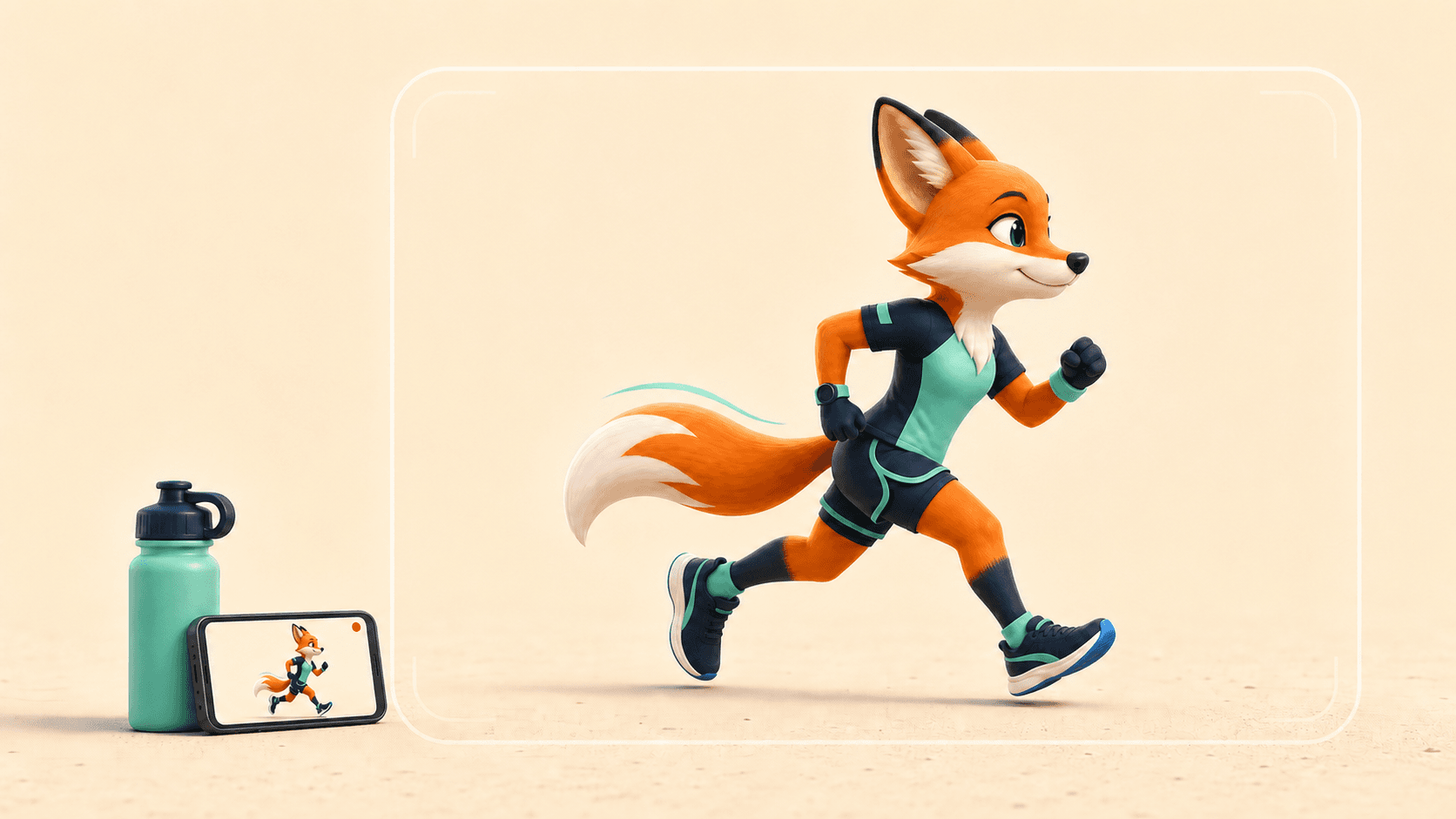
SCOUT’S VIDEO TIP

Prop your phone. Step back. Run past.

Full body visible Film from the side 10–15 seconds
Scout demonstrating a solo side-view running video with a phone propped against a water bottle while wearing both running shoes
01

Tell us about your run

A few details help us tailor the feedback.

02

Add your running video

Side view works best. Vertical or horizontal is fine.

For the clearest check
  • Record 10–15 seconds
  • Keep head to feet in frame
  • Film from the side
  • Keep the camera stable

Side-view video gives the best results for cadence, foot landing, trunk position, and stride rhythm.

Your full video stays on your device. RunCheck uses one still frame to create your avatar, then discards that source frame.
How avatar creation works

The source frame is sent securely and discarded after processing. The generated avatar is kept in private storage so it remains available after payment, in reports, and in share visuals.

Educational feedback — not a medical diagnosis
THIS PRIVATE SESSION

Current checks

Checks stay only in this browser session unless you choose Save Progress.